About TMAP
| Name: | TMAP |
| Price: | Free |
| Version: | 11.8.4 |
| Author: | TMAP MOBILITY CO.,LTD. |
| Category: | Maps & Navigation |
| Package: | com.skt.tmap.ku |
TMAP - more than turn-by-turn directions in Korea
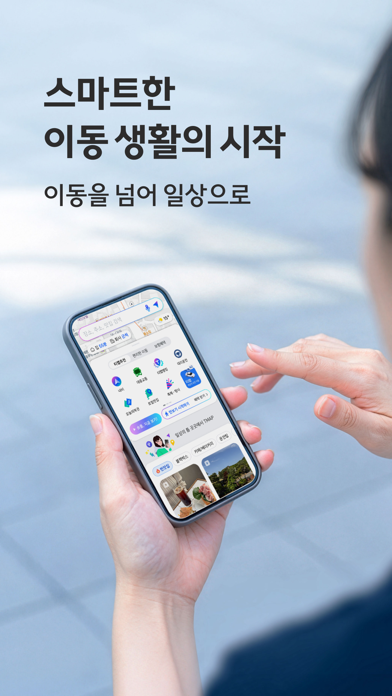
TMAP starts with live-traffic driving routes but also covers everyday trips that do not involve a car. Its Korean store listing describes walking and public-transit directions, nearby places, designated-driver booking, parking and rental cars. It is particularly useful when a single journey mixes driving with other plans.
Getting started
Search for a destination and compare the driving route before you leave. On the road, reports from other drivers flag accidents and roadworks; you can confirm a report or add one yourself when it is safe to do so. For a commute, the transit tab combines buses and subways, while saved places cut down repeat searches.
What is worth exploring
A journey can begin with choosing a nearby restaurant and end with parking or finding a designated driver; TMAP keeps those actions close to the route itself. Driving score is built from trips, so an occasional ride will tell you less than regular usage. An insurance discount is tied to a participating product and its eligibility rules, not automatically awarded for installing the app. For transit, check the actual platform and departure just before boarding, because a saved commute can still change.
The driving score uses trip data to summarize driving habits and may qualify eligible drivers for an insurance discount. Place discovery, EV charging and parking payment are additional services, not a requirement for basic navigation. Availability and prices depend on the specific partner or location.
Before you rely on it
TMAP is designed around services in South Korea. Check the language and account requirements for booking or payment features before relying on them; live traffic and driver reports can change while you travel. Keep your eyes on the road, not on the report screen.